

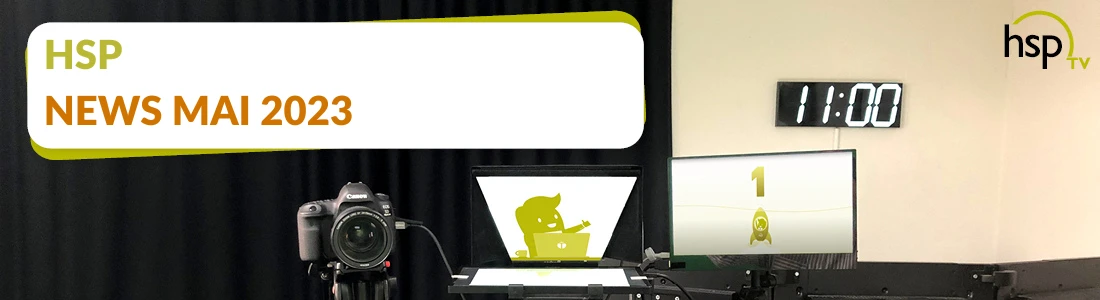
Here is the usual news round-up covering all the important and exciting topics relating to hsp. The livestream on 26 May kicked off with an update on the hsp studio. The set-up has been expanded to include an additional camera, which gives the team greater creative freedom when producing streams and videos. However, the main focus will be on process optimisation.
Time and again, partners have approached hsp to discuss ways of optimising processes. This also involves new technologies such as ChatGPT and the like. First of all, Paul notes that processes can only be optimised if you understand them. Many people think they know the processes from their day-to-day work. However, on closer inspection, there are huge gaps between guidelines, expectations and what actually happens. Paul has developed the „Five Ws method“ for his own use. We will now look at three of the five points:
- What is the process?
- Who is responsible, or who carries out the process?
- Which resources are currently in use in the process?
Paul uses a simple example to show how AI chat systems can already support day-to-day work: he asks ChatGPT, how to create process documentation generated. The programme begins to display a list of items to tick off. It is important to bear in mind that the current answers to such simple questions are not answers devised by the programme itself. Instead, the software draws on vast amounts of information that were fed into it in advance by the software team. We can only speak of true AI once the programme begins to link and interpret various pieces of information independently. As the results of such AI chat systems may still contain some errors at present, the answers should always be checked for plausibility.
Record processes with ease on the live chart
Now Paul demonstrates how a Process documentation in an intuitive way into Opti.Tax can be carried out or set up. To do this, Paul creates a process step and a sub-item. He can then drag the process step from the list into the Live Chart area on the right-hand half of the screen. A Live Chart is created from the list. It is now possible to Process documentation to create them visually in the Live Chart window. This means that process steps and workflows can be created and moved around.
If the possibility of process optimisation is merely raised, many companies shirk their responsibility and refuse to engage in a serious discussion. However, when law firm staff and clients sit down together and go through the processes directly on the live chart, the situation looks very different. Whilst a process step is being described, the person responsible should be sitting right next to it. This allows them to see the description, automatically reflect on its meaning, purpose and potential improvements, and naturally develop a willingness to embrace change. Existing ideas can be contributed and tested on the live chart. Those responsible can be added to the live chart by left-clicking and then right-clicking on the process step. Resources can also be recorded in this way.
Another small step towards sustainability
Paul would like to share a recent development at the end of the livestream. It concerns the hsp servers, which in the past used to run round the clock. This is not unusual; in fact, it is the norm. In most companies, the servers are always active. This means that the computers are constantly consuming electricity whilst also wearing out. Yet most servers are not needed 24 hours a day. hsp has therefore decided to configure the system so that the servers are switched off in the evening and switched on again in the morning. This may sound like a minor measure. However, if all companies were to act in this way, the effect would no longer be quite so minor.










 German
  English