

With the speed4cell management software, you have a tool that allows you to monitor your data analysis in a straightforward and clear manner.
Analyse and verify accounting data in a structured way using Excel routines – your management accounting team will never want to be without our speed4Cell management accounting software. Easy to use thanks to pre-built and customisable data queries, which can then be further processed using familiar Excel functions – essential for monitoring. What’s more, if you know exactly how and where the money is flowing, you can take corrective action more quickly when problems arise and capitalise on opportunities more effectively.

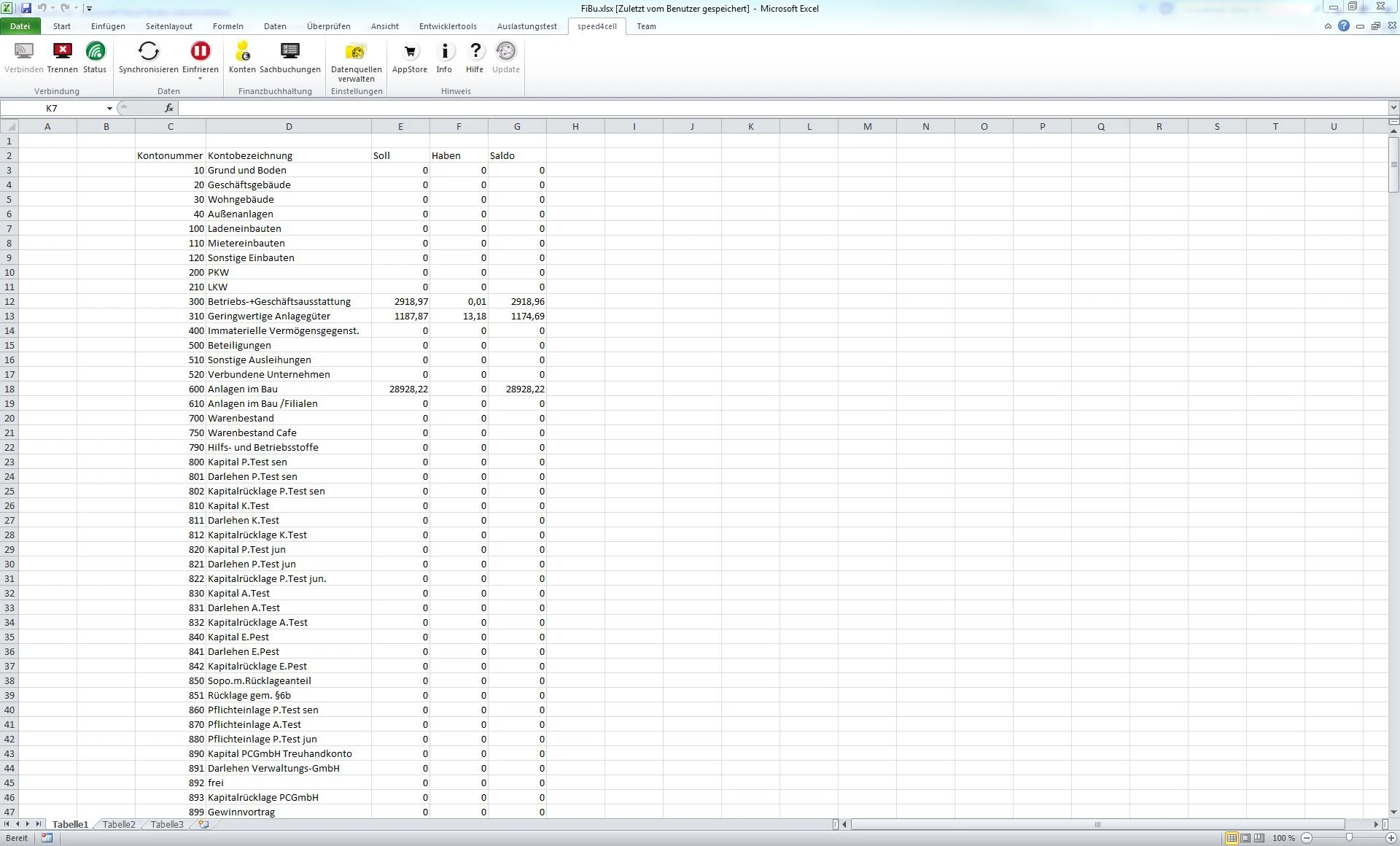
Straightforward data analysis
speed4cell enables you to monitor your cash flow through data analysis in a straightforward, fast, dynamic, reliable and, above all, extremely clear manner. Tailored entirely to your requirements and without the need for pre-selection by the IT department.
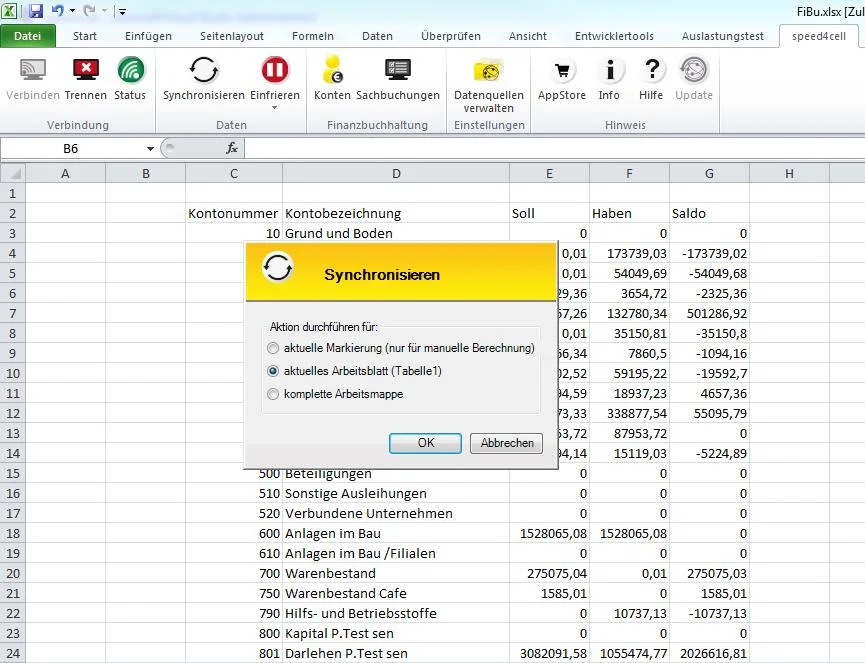
Online data access
speed4cell acts as the interface between your ERP database and Excel. Yet it is not a rigid tool that „merely“ extracts data from the database and processes it offline: speed4cell is dynamic and constantly interacts with the database. For example, if you have created an Excel workbook with your reporting requirements, speed4cell automatically retrieves the latest data and keeps your template up to date at all times – without the need for constant adjustments.
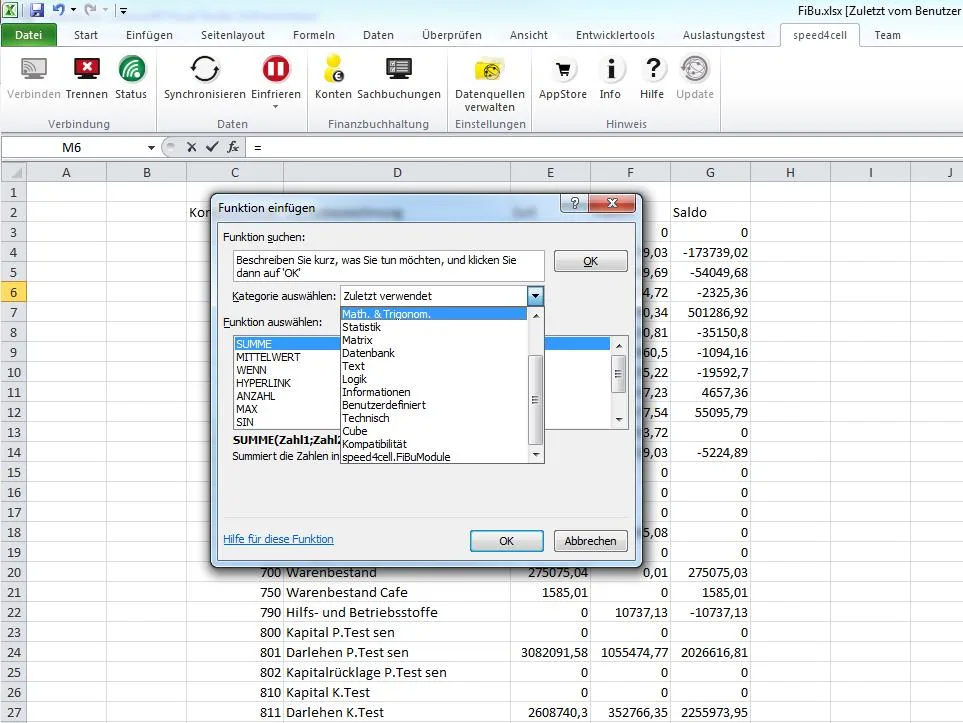
Excel functionality
With speed4cell, you have access to all the functions available in Excel for reports, analyses and calculations: whether it beCross-reference, pivot table, formulas or visualisation in clear, easy-to-read tables. speed4cell allows you to do all this on the fly using the data in your database. You can get started straight away once you’ve installed the software and linked it to your database. It really is that simple.
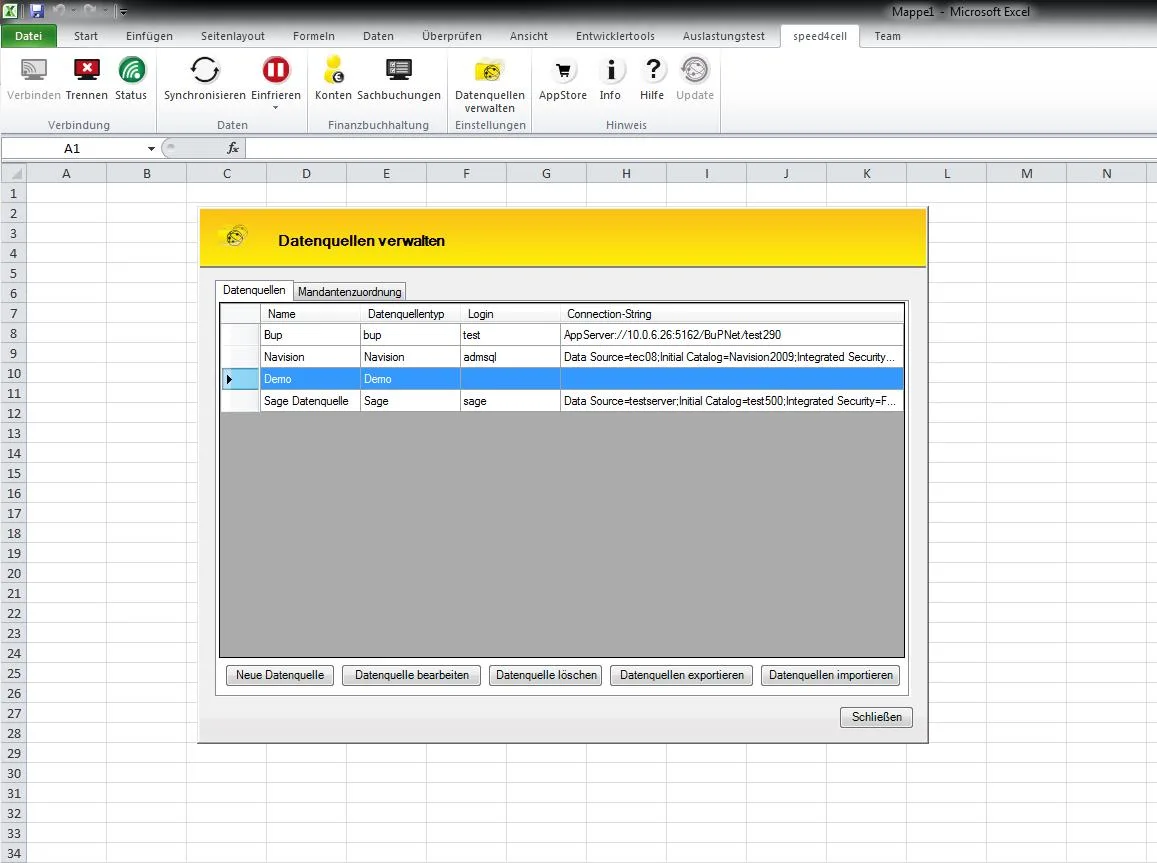
Automatic compatibility
At most, users need some know-how in Excel. speed4cell is automatically compatible with the most common ERP systems and retrieves all the data automatically. This makes it possible to generate reports in Excel in real time, with no extra effort create.
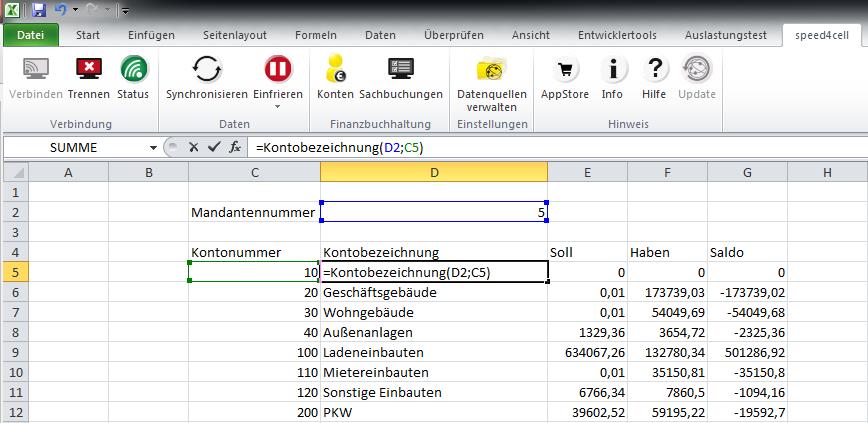
Effective reporting tool
Reports can be generated in record time using the following parameters:
- in the familiar Excel environment
- without any IT or database knowledge
- without placing a burden on the IT department
speed4cell does not cannibalise your existing reporting solution; rather, it is a valuable addition to more comprehensive (but consequently more expensive and cumbersome) tools that are already in place. For dynamic ad hoc reports and short-notice enquiries, the software is the tool of choice.
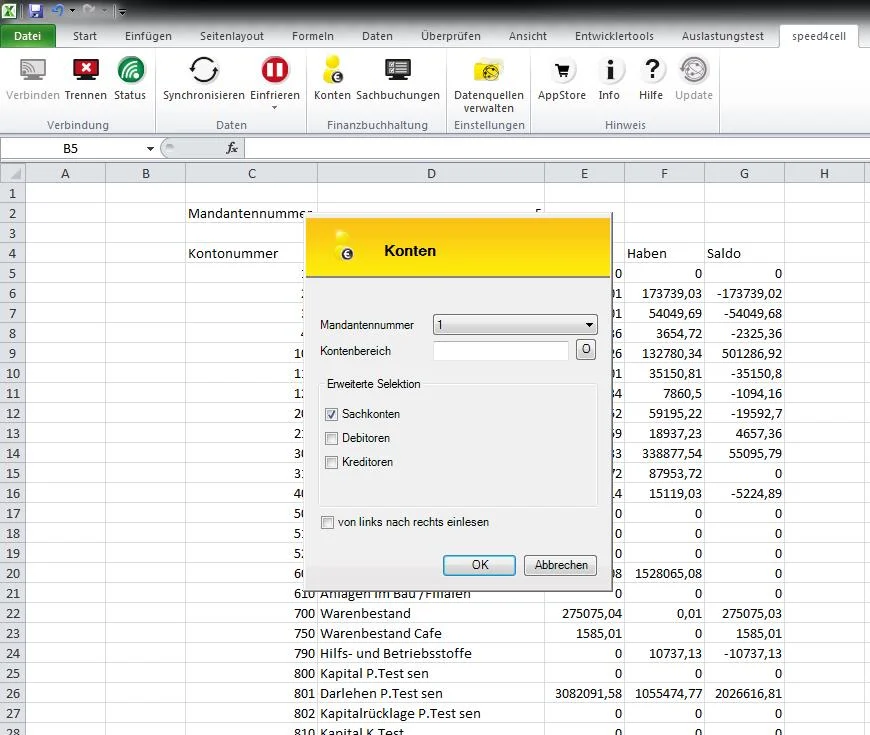
Minimal training required
The training required for sales and support is minimal (1 day). Training for customers/end users: Not necessary. You do not need either Knowledge of SQL, nor do you need to be an expert in databases and their structures.
Basic version for accountants, with a predefined collection of formulas
- Account number
- Account name
- Balance
- Period
Dynamism & Flexibility
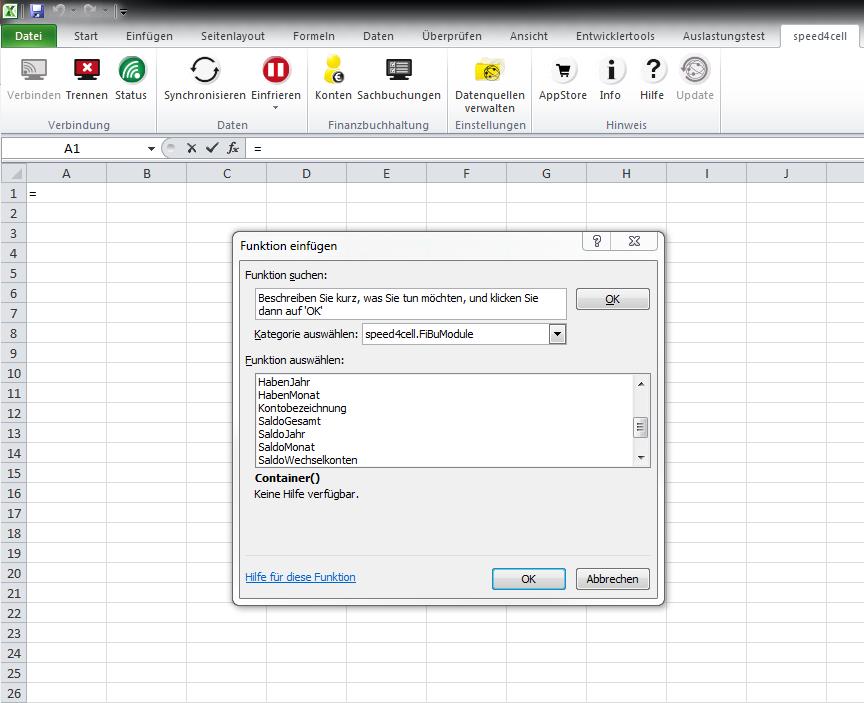
The Formula Collection can be expanded at any time to meet the needs of its customers. Naturally, cross-module formulas can also be implemented (e.g. Controlling, Payroll, E-Balance Sheet).
Inserting input fields and referencing them in the formulae Dynamism and flexibility into the reports. Everything else is simply standard Excel functionality.
Writing data back
To ensure that the reports are also available offline and can be sent to people who do not have database access, the current status must, of course, be set to ‘freeze’ mode. The key point: Writing data back to the Database is also possible.











 German
  English