

Preparing and submitting cash register reports in accordance with Section 146a of the German Fiscal Code (AO) is made quick and easy with the Opti.Tax hybrid solution and the Opti.Tax Cloud. What’s more, one thing is certain: the firm retains control over its data.
Opti.Tax Cash Register Declaration § 146a of the German Fiscal Code (AO)
Description
What can Opti.Tax do in terms of cash register reporting under Section 146a of the German Fiscal Code (AO)?
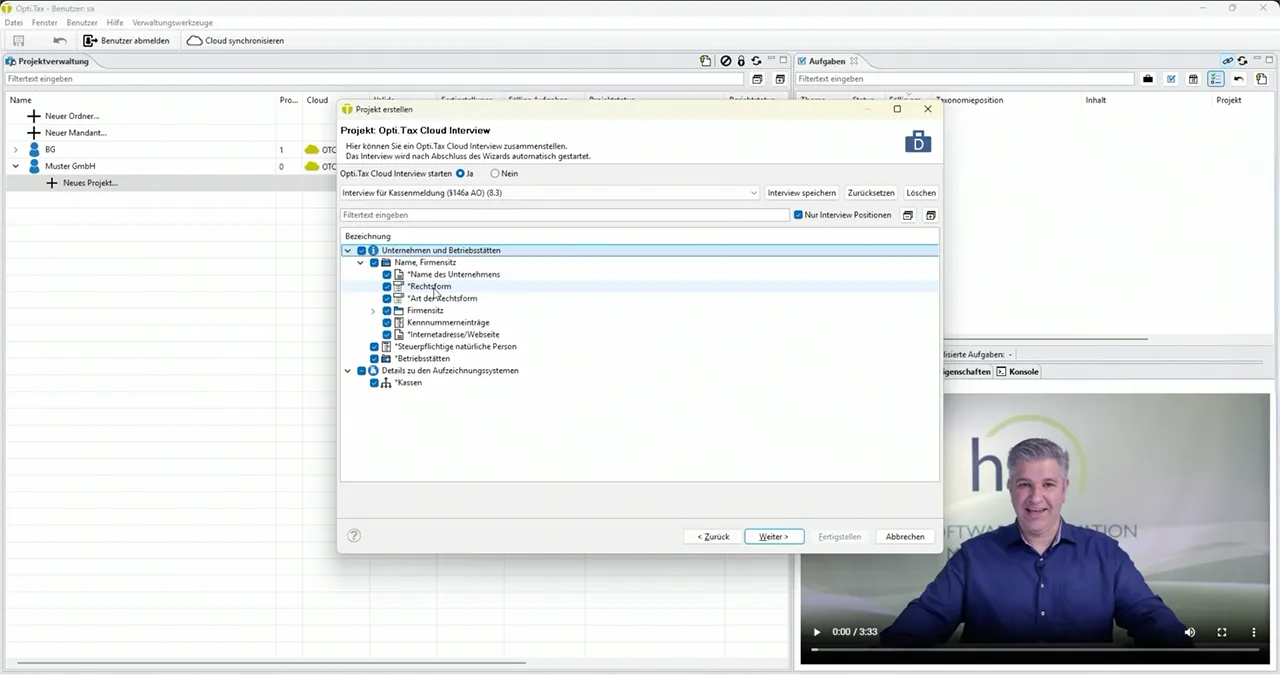
Opti.Tax handles all tasks relating to cash register reporting – here is an extract:
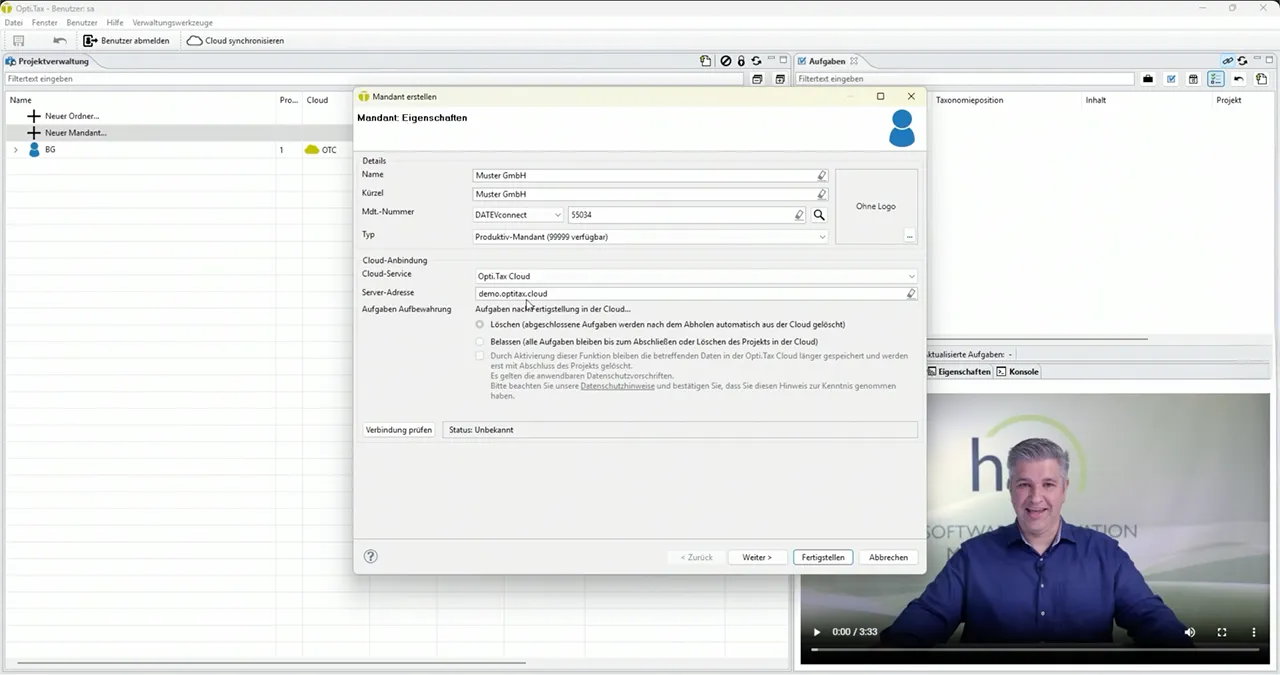
- Import client master data from the practice management software, e.g. via DATEVconnect
- Involve the client in the preparation of the cash report
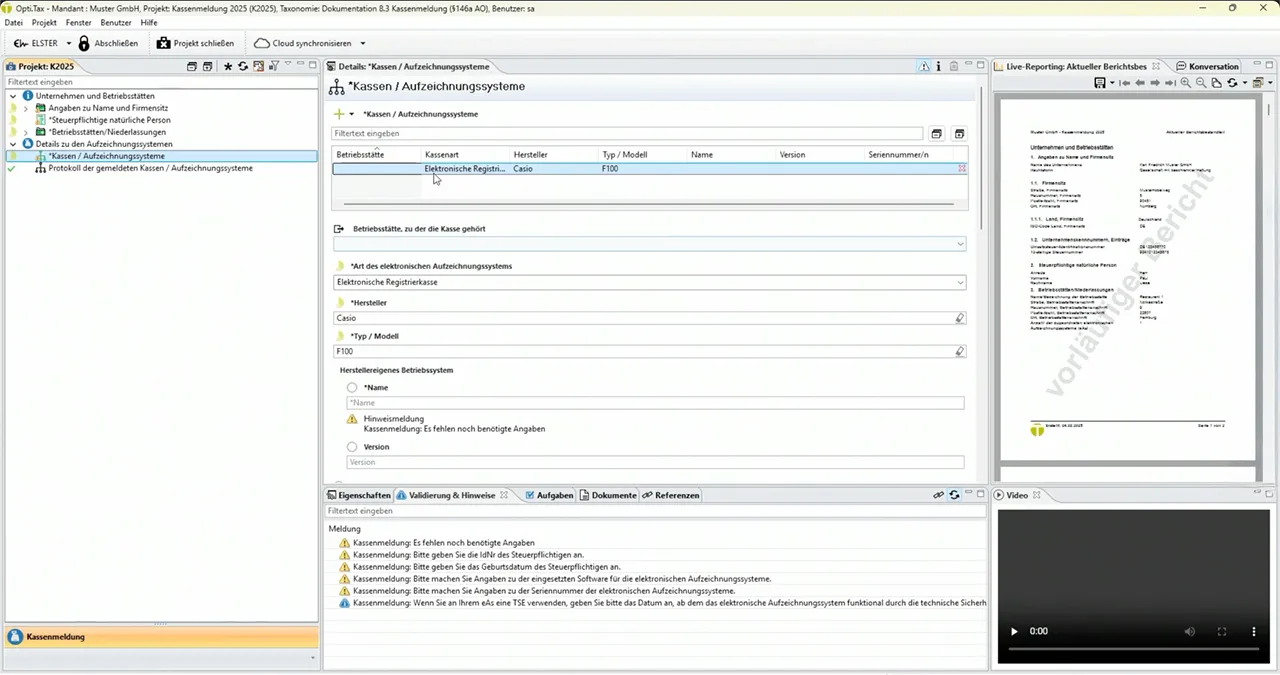
- Validation of the data recorded and, consequently, technical oversight to identify which data is missing
- Obtain the client’s authorisation to transfer the data to the tax authorities
The service package
- Opti.Tax, Cash Register Reporting Module
- Opti.Tax Cloud for client communication
- Access to the hsp Community with
- Resources
- E-learning courses
- Discussions with advisers
Product video
System requirements
Windows client PC (single-user and multi-user)
- Windows 10/11 (64-bit)
- RAM: at least 2 GB, 4 GB recommended
- Hard disk space: 2 GB free
- Resolution: 1920 × 1080 or higher recommended; minimum 1280 × 1024
- In single-user mode, the built-in H2 database can be used
Database server
- Approx. 1 MB of database storage per project; possibly more if there are additional attachments, transmission logs, footnotes, assignments, S+E projects, property tax, etc.
- MS SQL Server 2017 (Express, Standard, Enterprise) or later
Terminal Server / Citrix
- RDP from Windows Server 2016 R2 or later
- 2 GB of free hard disk space










 German
  English